What is Nowly?
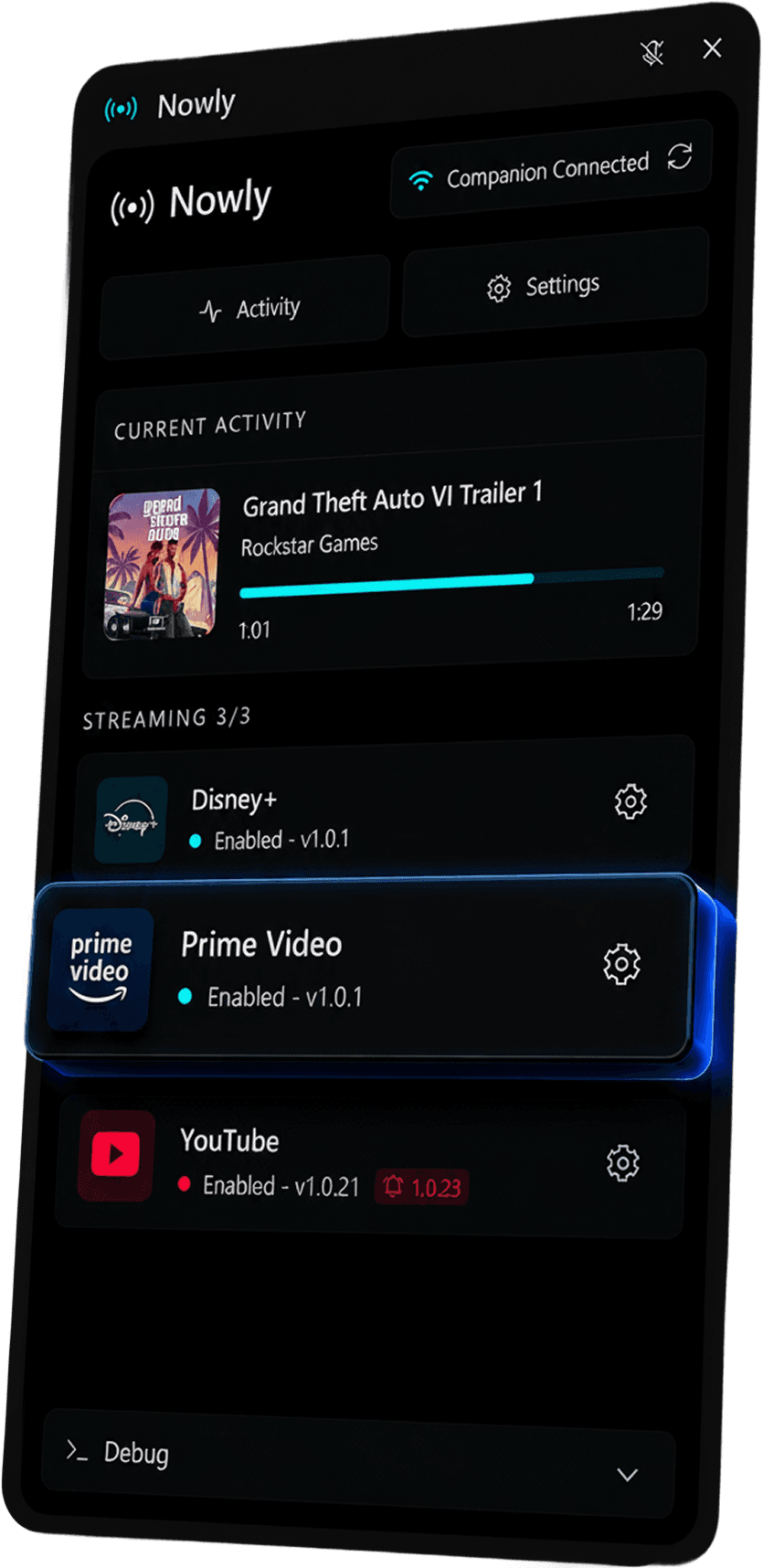
Nowly automatically shows what you are watching in your Discord status through a browser extension and a Nowly Host.
The easiest way to automatically show what you're watching. Series, movies, or streams, your Discord status always stays up to date.
An anonymous snapshot of real Nowly usage, based on installs and active presences.
Devices that synced Nowly at least once.
Presences installed and still enabled in Nowly.
Compatible with the most popular streaming platforms
14 services ready

Watch award-winning Apple Original series, movies, and documentaries on Apple TV+.

Watch movies, series, live TV, sports, and replays on CANAL+.

Watch movies and series on Cinepulse.

Watch Disney, Pixar, Marvel, Star Wars, and National Geographic content in one place.

Show what you're designing, whiteboarding, or building on Figma.

Build, review, and explore code on GitHub.

Watch anime, movies, and series on Nakastream.

Watch movies, series, and documentaries from Netflix's streaming catalog.
Three steps to show what you're watching
Download and install Nowly on your Windows PC. Setup only takes a few seconds.
Nowly automatically detects Discord and establishes the connection. No manual configuration is required.
Open your favorite platform and your Discord status will update automatically.
Quick answers to the most common questions about Nowly, installation, and privacy.
Nowly automatically shows what you are watching in your Discord status through a browser extension and a Nowly Host.
Your Rich Presence activity, no — it goes locally to Nowly Host, then directly to Discord. Only reviews you voluntarily post (opt-in) are stored server-side.
Nowly already supports several streaming platforms, and the library lets you follow available and upcoming presences.
No subscription required. Lightweight and secure.
 Compatible with Chromium-based browsers
L'extension Nowly est conçue pour les navigateurs de bureau. Pour profiter de Discord Rich Presence, installe-la sur ton PC.